INTEGRATION / ZOHO INVENTORY
WooCommerce + Zoho Inventory Integration
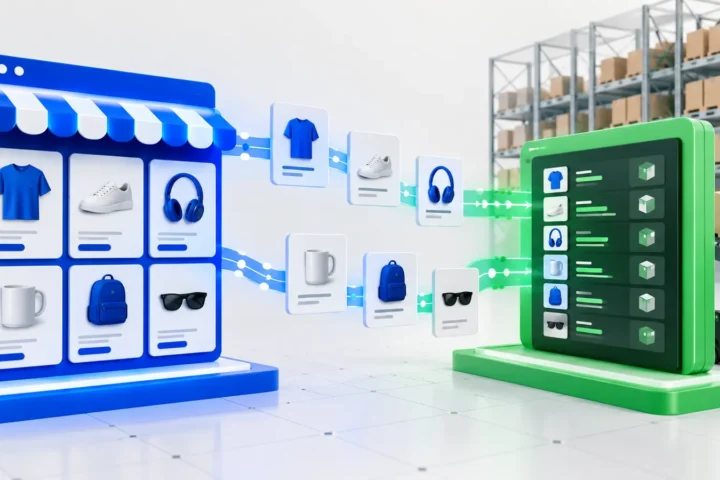
Keep products, inventory, orders and fulfillment data synchronized without manual updates, duplicate records or slow full-catalog imports.
Built by developers experienced with WooCommerce APIs, webhooks and custom data workflows.
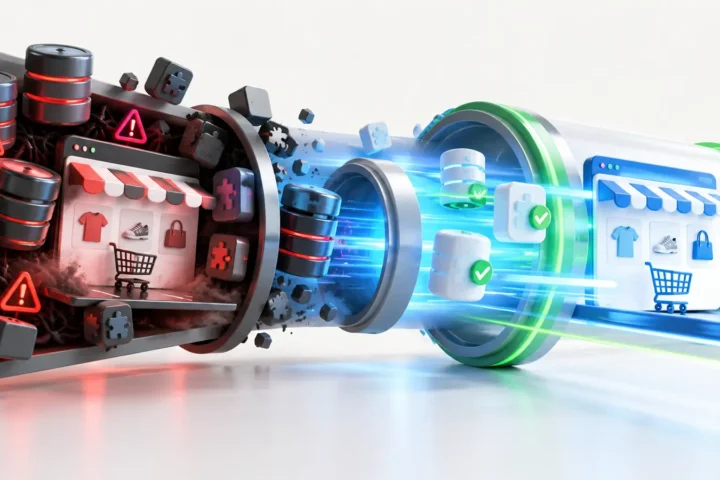
When inventory sync becomes a bottleneck.
- Teams update stock in two places because the systems do not talk to each other.
- Orders appear in WooCommerce but not in Zoho Inventory until someone copies them over.
- Product counts drift, leading to overselling or phantom out-of-stock messages.
- Price and image changes are missed or applied inconsistently.
- Existing connectors fail silently and require constant manual checking.
- Full-catalog imports run for hours and still leave data out of date.
What we synchronize.
- Product and variation synchronization
- SKU and product ID mapping
- Inventory level updates
- Price synchronization
- Product image synchronization
- WooCommerce order transfer to Zoho Inventory
- Customer and shipping data mapping
- Order status and fulfillment updates
- Initial full-catalog import
- Incremental webhook-based updates
- Error logs, retries and reconciliation
Full sync first. Incremental updates after.
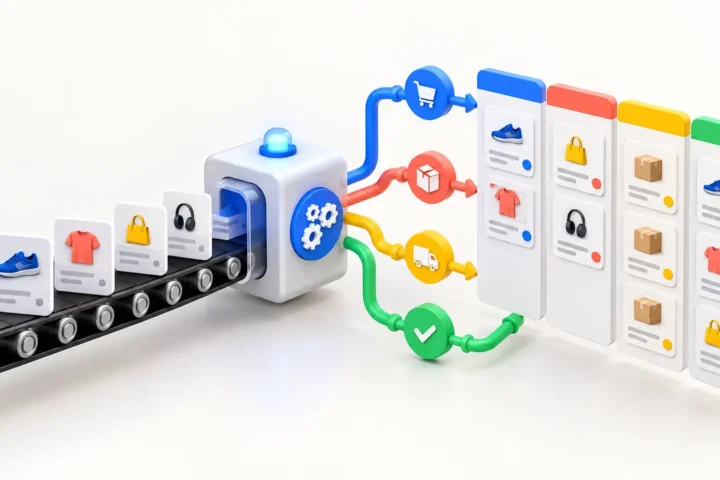
The first run imports the existing catalog, images and inventory so both systems start from the same baseline. After that, the integration listens for product, order and inventory events and updates only the records that changed.
- Source of truth is agreed per data type: usually Zoho for inventory, WooCommerce for orders.
- WooCommerce and Zoho Inventory APIs handle create, update and delete events.
- Webhooks trigger updates in seconds instead of waiting for scheduled batches.
- Idempotent writes prevent duplicates when the same event fires twice.
- Retries with backoff handle temporary API failures.
- Structured logs and reconciliation reports catch drift before it affects customers.
- Conflict prevention rules decide which value wins when both systems change the same field.
- Monitoring alerts the team when queues grow or error rates spike.
What you get.
- Discovery: review of catalog structure, fields, workflows and API access.
- Data mapping document showing which fields sync and in which direction.
- Implementation: custom integration code, webhooks and scheduled reconciliation.
- Testing: sample data, edge cases, failure scenarios and rollback plan.
- Deployment: staged go-live with monitoring during the first production sync.
- Documentation: runbook, field map, troubleshooting guide and escalation steps.
- Monitoring: error logs, retry status and reconciliation dashboard.
- Handover: training and support arrangement for ongoing operations.
How we work.
-
Discovery and data mapping
We audit the catalog, custom fields, order flow and API limits, then agree on the source of truth and sync rules.
-
Technical plan
We design the webhook and API flow, define idempotency keys, retry rules and the reconciliation cadence.
-
Implementation and testing
We build the integration in a staging environment, run sample data through it and test failure handling.
-
Deployment and monitoring
We migrate the initial catalog, go live with webhooks and keep logs and alerts active for the first production period.
Related case study
Related case study
Replacing a resource-heavy image sync with event-driven webhooks
A WooCommerce store was running long full-catalog imports to keep product images in sync. We replaced the batch process with webhook-driven updates so only changed products are processed.